NCEES Foundation invests in the future of licensure.
New funding supports programs intended to strengthen the engineering and surveying licensure pipeline.
Read the engineering briefOfficial source linked in News
Stay current on licensure, standards, and project delivery.
New funding supports programs intended to strengthen the engineering and surveying licensure pipeline.
The living design manual records a new chapter alongside prior MSE wall revisions.
The multimodal project combines trail, railroad-crossing, lighting, parking and drainage improvements.
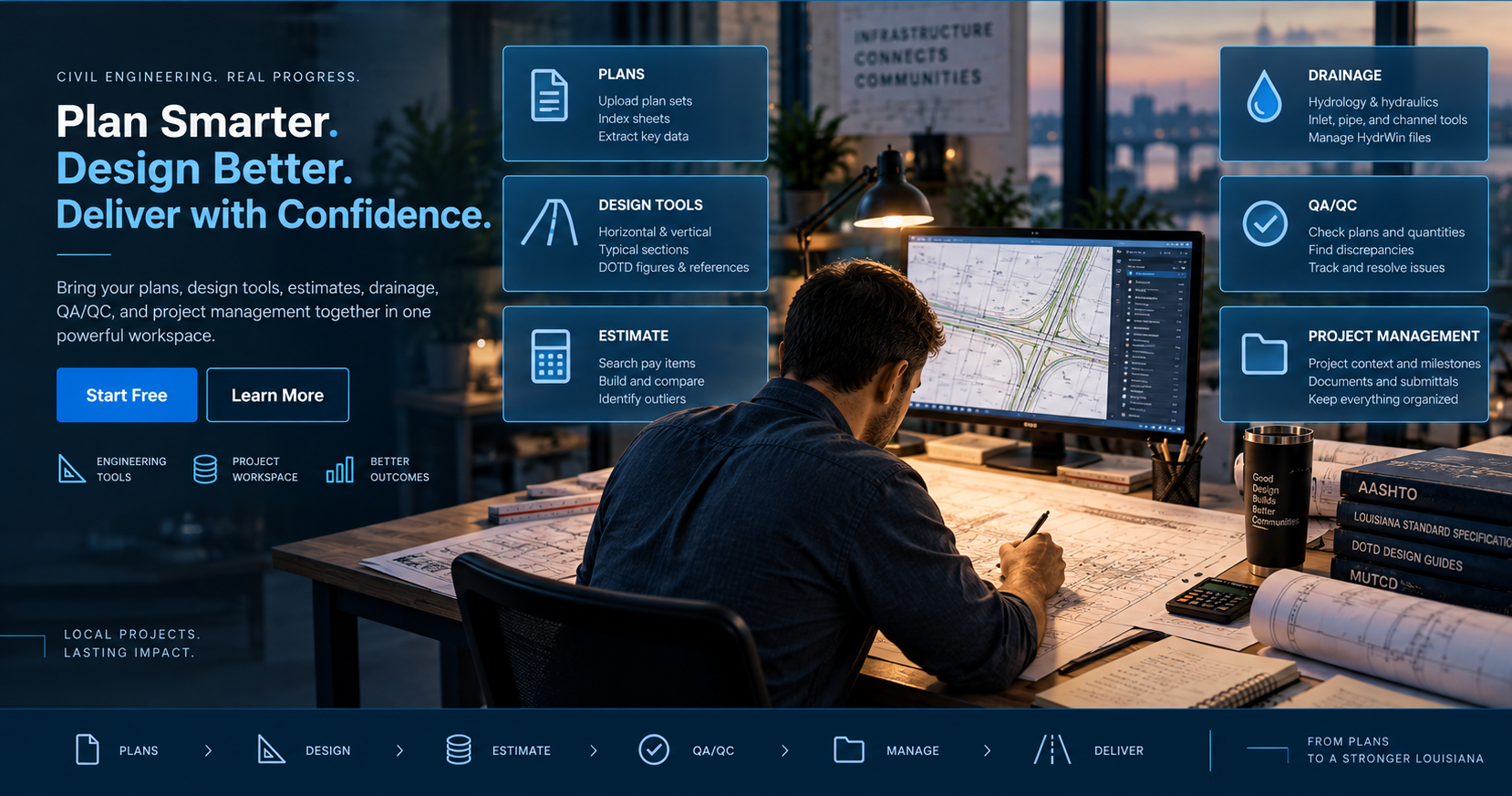
Begin with source plans, establish reliable project context, complete design work, and carry the evidence forward into delivery.
Open source PDFs, index sheets and establish the material the project depends on.
Recognize sheet context and review extracted project information before accepting it.
Use roadway, geometry, drainage and quantity tools with project context close at hand.
Connect calculated quantities to pay items, pricing context and reviewable assumptions.
Track findings, discrepancies, references and resolution status through review.
Keep milestones, submittals and decisions organized through final delivery.
The Workbench keeps each task distinct while preserving the relationships between plans, calculations, quantities, reviews and delivery.
Classify sheets, capture project metadata and reconstruct structured information without hiding the source. The engineer reviews what is accepted into the project.
Use focused engineering calculators, preserve useful results and bring them back to the project.
Explore design tools →Build a traceable estimate from pay items, quantities, unit-price context and documented assumptions.
Open estimate workspace →Organize findings by discipline and status so discrepancies move toward resolution instead of disappearing in notes.
Open QA/QC →Maintain project identifiers, milestones, sites, control sections and the working history behind the plans.
Open project overview →The Workbench is intended to reduce fragmented effort without turning engineering judgment into a black box.
Plan findings, reference material and estimate context stay connected to where the information came from.
Recognized information becomes project data only after the engineer has a chance to inspect it.
Work completed in one view can support the next stage instead of being recreated in disconnected files.
Start with the core Workbench, then add deeper plan intelligence when the project calls for it.
Free stays useful for deterministic engineering work, local projects, calculators, plan viewing, and core project organization.
Add Plan Intelligence, expanded QA/QC, estimate intelligence, and deeper project-linked workflows.
No real payment will be processed. Card entries are never stored.